Introduction
A caller sits on hold for six minutes, gets transferred twice, then hangs up. That scenario plays out thousands of times a day across US businesses, and it costs more than most managers realize.
76% of US adults expect a response within five minutes or less, and 54% hang up after waiting on hold for up to eight minutes, according to a 2025 Nextiva survey of American consumers. Three-quarters said they'd rather get a callback than sit through hold music.
Call queue management is the set of routing rules, schedules, and fallback options that decide what happens to every call before it reaches a person. Done well, it connects callers to the right resource fast. Done poorly, it creates the exact frustration that drives customers away.
This guide covers how queues actually work, the practices that keep them running smoothly, and how to measure whether yours is working. It applies whether you run a two-person law office, a multi-location retail chain, or a government call center.
Key Takeaways
- Accurate routing gets callers to the right agent faster than parking them on hold
- Clear schedules, routing rules, and overflow paths prevent most caller frustration
- Track wait time, abandonment, service level, and first-call resolution to find real bottlenecks
- Choose a phone system that gives callers and supervisors live visibility into queue status
How Does Call Queue Management Work?
A call queue is a virtual waiting line. When every qualified agent is busy, the system holds the call and plays a greeting, music, or announcements while it looks for the next available person based on your configured rules.
A typical call moves through several stages:
- Incoming call hits your main number
- Greeting or auto attendant plays, often collecting caller intent through menu choices
- Queue placement happens if no agent is free
- Announcements or hold music play while the caller waits
- Agent assignment occurs once someone becomes available
- Connection completes the call, ideally with context intact

Routing Methods That Decide Where Calls Go
Automatic call distribution can send calls using several logics, often combined:
- Department or skill — billing calls go to billing, technical questions go to support
- Time of day or location — after-hours calls route differently than business-hours calls
- Agent availability — least-idle or round-robin distribution spreads volume evenly
- Priority — VIP callers or urgent issues jump ahead in line
Queue vs. Ring Group vs. IVR vs. Contact Center
These terms get used interchangeably, but they're not the same thing.
| Term | What it does |
|---|---|
| Call queue | Holds calls in a virtual line, distributes by rule (simultaneous, fixed-order, or longest-idle) |
| Ring group | Forwards a call to multiple extensions at once, without queue logic |
| IVR/auto attendant | Lets callers navigate menus by voice or keypad before reaching a queue |
| Contact center | Extends phone-based queuing across chat, email, and social channels |
A queued call stays in the system until an agent becomes available, rather than forwarding once and dropping if nobody picks up.
A Small Practice, Done Right
Picture a five-person dental office. The main number answers with a short auto attendant: "Press 1 for appointments, 2 for billing, 3 for the dentist's line." Appointments route to a queue covering the front desk. If both staffers are busy, the caller hears an honest wait estimate, not silence. After 90 seconds unanswered, the call rolls to voicemail with a callback promise.
That pattern is what hosted business phone systems, including those from Public Telephone Company, are built to support: auto attendant up front, skill-based queues behind it, and a defined fallback on every path. Give each queue a next step (voicemail, callback, another department, or after-hours routing) so callers always reach the right person or a clear action, without dead ends or repeat transfers.
Call Queue Management Best Practices
Queue configuration should reflect your actual business hours, staffing reality, and how urgent different calls typically are. Revisit the setup whenever those conditions change.
Build Schedules and Menus Around Real Call Patterns
Start with time-based rules before anything else:
- Set distinct greetings and destinations for business hours, holidays, and after-hours
- Keep IVR menus to 3-5 options; callers realistically remember only that many
- Use plain language, group choices around what callers actually need, and always include a path to a live person
- Offer language options and accessible prompts if you serve multilingual or disability-diverse callers
New Jersey's 2025 call center modernization guidance reported up to a 15% increase in callers served after simplifying menus. The FCC and Access Board both require usable IVR paths for TTY users and timed-response warnings.
Route Calls by Skill, Not Just Availability
Sending every call to the next free agent works fine for simple questions. It works poorly for anything technical, clinical, legal, or high-value.
Skills-based routing matches callers to the agent best equipped to help, not just whoever's free first. Genesys documentation notes this method weighs required skills and proficiency, unlike standard ACD, which simply grabs the next available person.
- Use it when calls involve billing disputes, clinical triage, legal matters, or specialized technical support
- Review routing rules whenever staffing, hours, locations, or call volumes shift
- Remove dead-end transfers during every review; they're the biggest source of caller frustration

Cut Avoidable Wait Time
Not every call needs a live agent immediately. Reduce demand before it hits the queue:
- Add IVR self-service for routine questions (hours, directions, order status)
- Post common answers online so callers can self-serve without calling at all
- Keep an easy, obvious path to a person for anything self-service can't resolve
When callers do wait, be honest about it. Announce queue position or estimated wait time, use clear hold messaging, and never promise a wait time you can't hit.
Offer Callbacks and Set Overflow Policies
Callbacks beat hold music for most callers. A university study of over one million bank call center calls found that offering callbacks improved perceived service quality with almost no waiting discomfort for those who accepted them.
Define the mechanics clearly:
- What happens if the callback goes unanswered
- Maximum wait and maximum queue length before overflow triggers
- Where overflow goes: voicemail, an alternate queue, remote agents, or emergency escalation
Set these policies before a busy season hits, not during one.
Plan Staffing and Protect Compliance
Queue settings only work if staffing matches demand. Forecast busy periods, schedule coverage accordingly, and cross-train backup agents who can flex into a queue during spikes.
On the compliance side:
- Document who owns queue changes and why they were made
- Confirm call-recording disclosure requirements; states like California and Florida require all-party consent for recorded calls
- Test emergency-call behavior separately from your regular customer queues
How to Measure and Continuously Improve Queue Performance
Reporting how many calls arrived tells you almost nothing. Real queue analytics show where callers wait too long, abandon, get transferred unnecessarily, or never receive a promised callback.
Metrics Worth Tracking
According to ContactBabel's 2024 US Contact Center Decision-Makers' Guide, based on responses from 189 US contact center managers, typical benchmarks look like this:
| Metric | Reported benchmark |
|---|---|
| Average speed to answer | 79 seconds |
| Abandonment rate | 7.1% |
| Average handle time | 442-476 seconds |
| First-call resolution | 75% |
| Transfer rate | 9.7% |
Pair these operational numbers with experience data: caller feedback, complaint themes, and agent input. A queue can hit every operational target and still frustrate callers if the experience feels rushed or impersonal.
Segment Before You Conclude Anything
Overall averages hide the real problem. Break reports down by:
- Queue and time period
- Call reason and language
- Location and agent skill
- Priority level
A queue averaging 45 seconds might have one time slot averaging four minutes. You won't see that without segmenting.
Build a Recurring Improvement Cycle
- Establish a baseline for the metric that matters most to your callers
- Pick one specific queue problem to solve
- Test a routing or staffing change
- Compare results against the baseline
- Document what happened and repeat

Run that cycle with one guardrail in mind.
One warning: don't optimize a single metric in isolation. Cutting handle time sounds great until it causes repeat calls, rushed service, and a drop in first-call resolution.
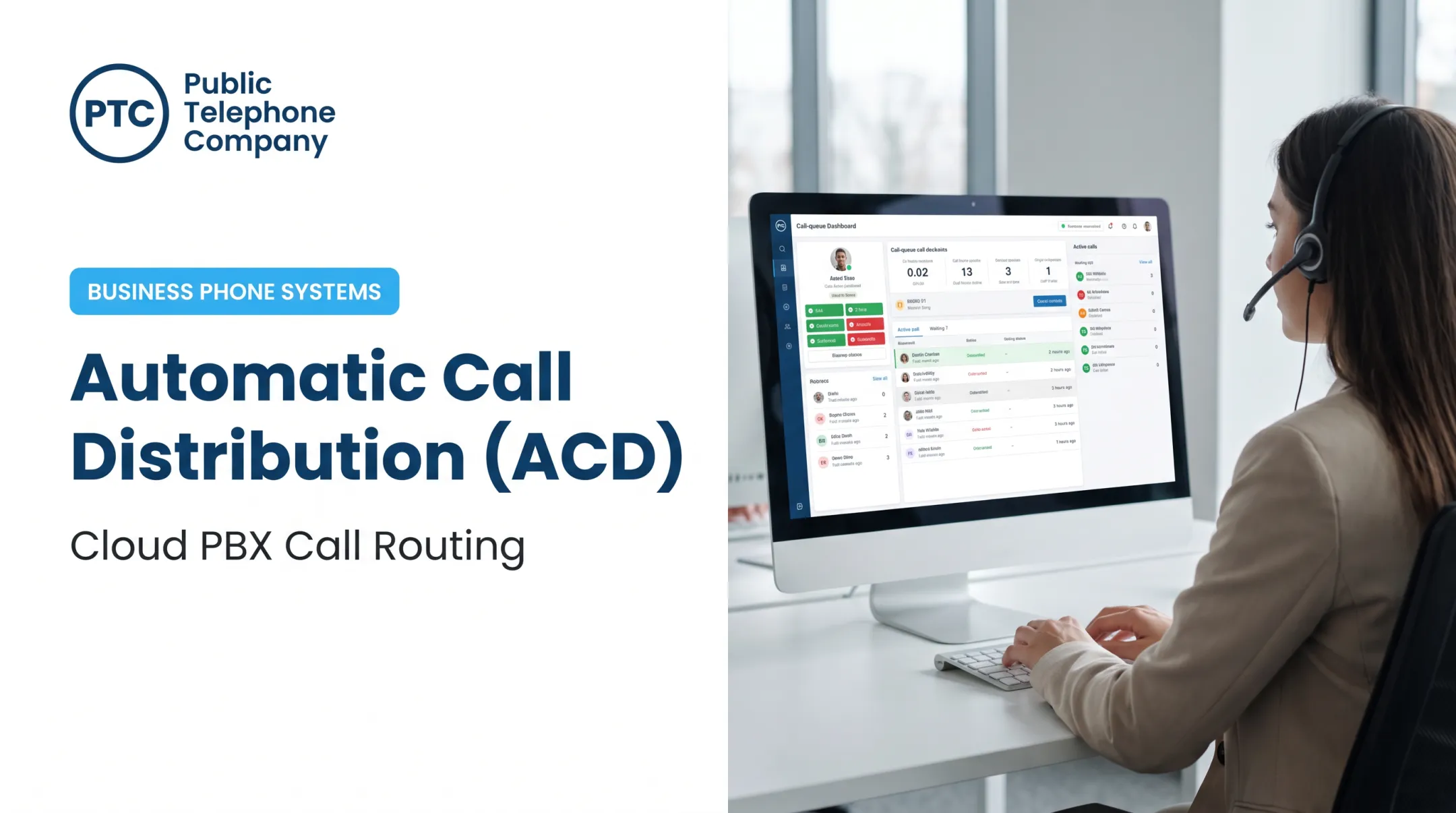
Real-time dashboards help you act in the moment. They let you add agents, open backup queues, or redirect overflow as soon as demand spikes.
How to Choose Technology for Call Queue Management
The right platform should handle configuration and give you real-time visibility into call flow. Before comparing vendors, run through this checklist:
- Configurable schedules for business hours, holidays, and after-hours
- IVR and auto attendant with skills-based and priority routing
- Ring groups, callback options, and clear queue announcements
- Overflow rules, voicemail, and remote access for distributed teams
- Call recording, analytics, and administrative controls
- Integration support for CRM, help desk, or scheduling tools
Cloud vs. On-Premises
Cloud-hosted systems help growing or multi-location businesses manage extensions and agents without maintaining an on-premises PBX. TechTarget's analysis of VoIP architecture notes that cloud deployments shift server administration and security to the provider, which matters for smaller IT teams. On-premises PBX setups keep control in-house but leave maintenance, upgrades, and failover on your IT team. Either way, verify internet reliability, redundancy, and continuity requirements before you commit to cloud.
Public Telephone Company's hosted VoIP service runs over an existing high-speed internet connection, with AI-powered auto attendant and IVR built into the cloud PBX. Wireless extensions simplify installation for multi-office and remote teams, and equipment is included with service at no upfront cost.
Integration and Support Matter as Much as Features
A queue that can't share context with your other tools forces agents to ask customers to repeat themselves, which undoes everything good routing accomplished. Ask vendors about:
- CRM, help desk, and billing integrations
- Pricing transparency and contract terms
- Implementation support and number porting
- 24/7 technical support availability
Public Telephone Company offers custom integration services that connect CRM systems to its unified communications platform, plus 35+ calling features and support around the clock. The platform scales from single-location small businesses to 100,000+ users, so you can fix today's queue gaps without outgrowing the system later.

Conclusion: Build a Queue That Works for Callers and Staff
Successful queue management depends on several pieces working together: a clear caller journey, routing that matches skill to need, realistic staffing, honest wait handling, and regular performance review.
Start with one high-volume queue. Map its current flow, find where callers wait longest or abandon most, and fix the biggest failure point first before moving to the next.
If you're evaluating scalable hosted VoIP, PBX, UCaaS, or SIP trunking options to support better queue management, Public Telephone Company can walk through what fits your call volume and staffing model.
Frequently Asked Questions
How does a call queue work?
A call queue holds incoming calls in a virtual line when agents are busy, plays announcements or hold music, and routes each call to an available or appropriately skilled agent based on configured rules.
What is the best queue management system?
There's no universal winner. The right choice depends on your call volume, routing complexity, staffing model, required integrations, budget, and reporting needs. Evaluate vendors against a checklist covering scheduling, IVR, routing, callbacks, and support.
What are the benefits of call queue management?
Well-managed queues mean shorter or more transparent waits, fewer abandoned calls and unnecessary transfers, better workload distribution among agents, and higher first-call resolution rates.
Which metrics should businesses track for call queue performance?
Track average wait time, service level, abandonment rate, speed to answer, first-call resolution, transfer rate, and callback completion. Compare trends by queue and time period rather than relying on overall averages.
How can a business reduce long call queues?
Combine schedule-based staffing, skills-based routing, IVR self-service, and callback options with clear overflow rules. Cross-train backup agents and review queue analytics regularly to catch new bottlenecks early.