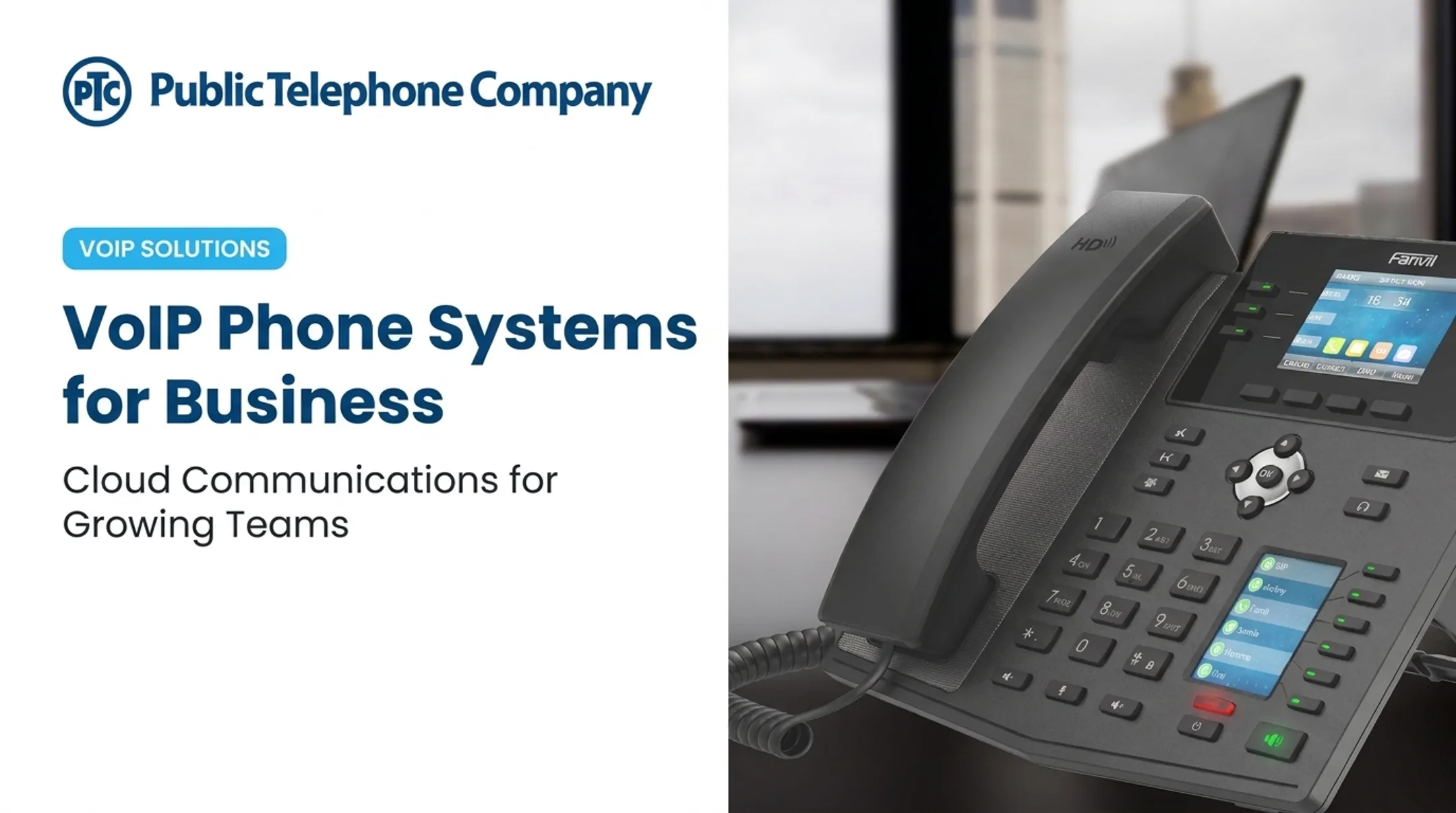
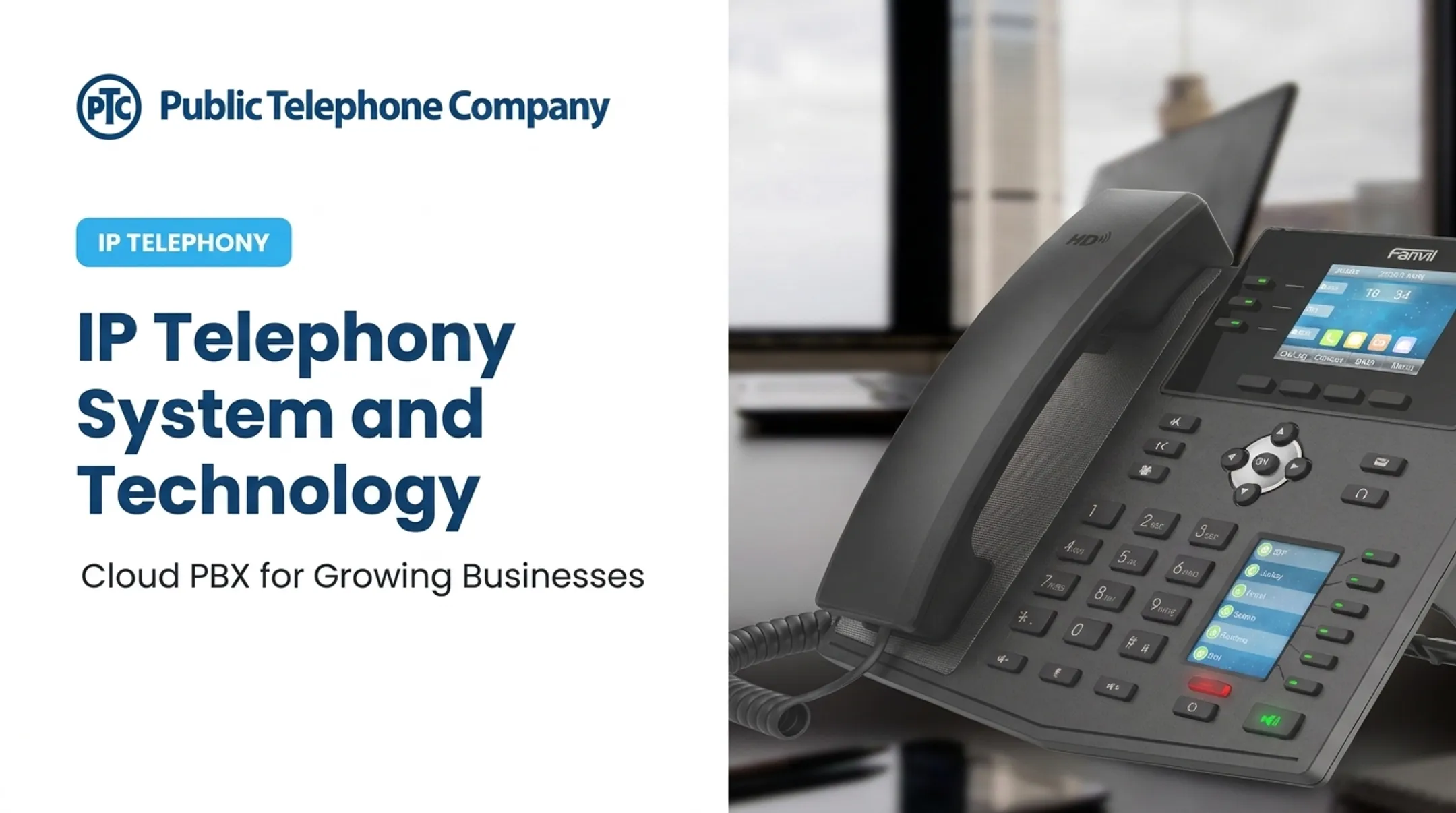
That's VoIP: Voice over Internet Protocol, technology that turns your voice into digital data and sends it across an IP network rather than through dedicated copper wiring.
This guide is written for businesses considering a move away from landlines, retiring an aging PBX, or replacing disconnected communication tools. We'll cover how VoIP works, how it compares to traditional phone service, its real benefits and limitations, and what to check before you switch.
Key Takeaways
- VoIP turns voice into digital packets and sends them over an IP network, not a phone line.
- Run it on IP desk phones, computers, smartphones, apps, or analog phones with an adapter.
- Most business plans bundle auto-attendants, routing, voicemail, conferencing, recording, and CRM tools.
- Call quality hinges on internet performance, network setup, provider reliability, and backup planning.
What Is VoIP?
Voice over Internet Protocol lets you place and receive calls over an IP network instead of relying solely on the traditional public switched telephone network, or PSTN. The FCC defines VoIP as voice calling delivered over a broadband internet connection rather than a standard analog phone line.
Break down the acronym and it's straightforward:
- Voice is the audio being transmitted.
- Over describes the path that audio travels.
- Internet Protocol refers to the rules that move data between connected devices.
VoIP is the underlying technology, not a single product. Related terms get used interchangeably, but they mean different things:
- VoIP phone: A physical or software device that places IP calls.
- Hosted PBX: A phone system hosted in a provider's data center rather than in your server room.
- UCaaS: A broader platform bundling voice, messaging, and meetings into one subscription.
- SIP trunking: A way of connecting an existing PBX to the internet for call delivery.
One misconception worth clearing up: VoIP isn't limited to app-to-app calls. A VoIP user can call a mobile phone or landline like normal, because the provider connects to the PSTN behind the scenes.
Public Telephone Company's Hosted VoIP Business Phone Service, for example, runs on your existing high-speed internet connection and pairs cloud infrastructure with on-site instruments. Calls still reach any number, not just other VoIP users.
What is the difference between VoIP and a traditional landline?
Landlines and VoIP solve the same problem through different infrastructure.
| Factor | Traditional Landline | VoIP |
|---|---|---|
| Connection | Dedicated copper telephone line | Shares existing IP network |
| Hardware | Analog phones, physical wiring | IP phones, softphones, or adapters |
| Mobility | Tied to a physical location | Works anywhere with internet access |
| Scalability | Requires new lines and wiring | Add users through software |
| Features | Basic calling functions | Auto-attendants, recording, CRM integration |
A landline depends on dedicated telephone infrastructure maintained line by line. VoIP shares an organization's existing internet connectivity, and it can arrive as a cloud-hosted platform or run through on-premises equipment.
Cost structures differ too, but don't assume VoIP is automatically cheaper across the board. Compare full pricing, not headline numbers, an idea worth revisiting later in this guide.
How Does VoIP Work?
A VoIP call moves through several steps in a fraction of a second:
- A microphone captures your voice as an analog sound wave.
- The system converts that wave into digital information.
- The audio gets divided into small data packets.
- Packets travel across an IP network toward their destination.
- The receiving system reassembles the packets back into sound.

This is packet switching, and it works differently than the circuit switching used on traditional phone lines. A traditional call reserves one continuously open channel for the entire conversation.
VoIP instead sends many small, labeled parcels across a shared network. Each packet finds its own path and arrives to be reassembled in order—more like shipping numbered boxes than renting a dedicated truck for the whole trip.
Codecs handle the encoding, compression, and decoding of your voice. Codec choice affects bandwidth use and audio quality. Some codecs prioritize compression to save bandwidth; others prioritize fidelity. There's no single "best" option, just tradeoffs based on your network and call volume.
SIP (Session Initiation Protocol) starts, manages, and ends most VoIP calls. SIP handles signaling, meaning it sets up the connection, while a separate stream carries the actual audio. SIP is the dispatcher; the audio stream is the delivery truck.
Not every call stays on IP. When a VoIP user dials a mobile phone or landline, the call passes through a gateway that bridges the IP network and the PSTN.
What network conditions affect voice quality?
Several technical factors determine whether a call sounds clear or choppy:
- Latency (delay): The time a packet takes to travel from sender to receiver. ITU-T guidance recommends keeping one-way delay under 400 milliseconds for general network planning.
- Jitter: Variation in the timing between arriving packets, which can make voice sound uneven.
- Packet loss: Data that never arrives. Some codecs need loss well below 1% to stay clear.
- Bandwidth and congestion: Enough network capacity for calls, without other traffic crowding it out.
- Quality of Service (QoS): Network settings that prioritize voice traffic over less time-sensitive data, like large file downloads.
Getting this right has less to do with buying the fastest internet plan and more to do with configuring your network to treat voice as a priority.
What equipment and connections does VoIP need?
A basic VoIP setup includes:
- IP desk phones: Purpose-built handsets that connect directly to your network.
- Softphone apps: Calling software on a computer or smartphone.
- Headsets: Common in call centers and busy offices.
- Routers and switches: Move network traffic reliably.
- Analog telephone adapters (ATAs): Let older analog phones connect to a VoIP line.
A stable broadband connection matters more than raw speed. Wired links usually beat Wi-Fi for call quality. Network segmentation keeps voice traffic separate from other data, and traffic prioritization helps voice packets get through during busy periods.
Skip chasing one magic bandwidth number. Size the connection to your concurrent call volume and codec choice, then test under real conditions before a company-wide rollout.
Who Uses VoIP and What Devices Can Run It?
VoIP shows up across nearly every business type, from single-location shops to large multi-site operations. Common users include:
- Small businesses replacing aging landlines
- Law firms, accounting practices, and insurance agencies
- Medical and dental offices managing multi-line reception
- Government departments and municipal agencies
- Call centers and property management companies
- Multi-location companies unifying communications across sites
Lake Worth Beach Electric Utilities has used Public Telephone Company's service since 2005, reporting very little downtime over two decades. Healthcare Solutions Group moved to a cloud-hosted system for the same reliability and flexibility.
Those deployments also show why device choice matters: the same business line can follow staff across office, home, and mobile. Remote and hybrid employees can answer from wherever they're working. A typical VoIP setup supports:
- A desk phone at the office
- A desktop or browser-based softphone at home
- A mobile app for calls on the go
That flexibility means a new hire can start taking calls on day one without waiting for a technician to run a physical line. An employee can also transfer an active call from a desk phone to a cell phone mid-conversation.
Messaging and meeting apps use similar internet-calling principles. For most organizations, the real value is still business VoIP—one number across desk phones, softphones, and mobile apps.
What Are the Benefits and Limitations of VoIP for Businesses?
Financial and operational advantages
VoIP can reduce dependence on dedicated voice infrastructure and consolidate calling features into one service. Phone.com's 2025 pricing data puts business VoIP at roughly $15 to $40 per user monthly, compared to $50 to $100 per line for traditional landlines. Actual costs vary by usage, provider, internet quality, taxes, equipment, and support needs, so treat those figures as a benchmark rather than a quote.

Beyond price, VoIP typically brings:
- Business calling from multiple locations, with number portability, remote access, and wireless extensions
- Software-based scaling to add users, numbers, or locations without rewiring an office
- Built-in tools such as auto-attendants, call queues, forwarding, voicemail-to-email, recording, conferencing, analytics, and CRM integrations
- Voice, messaging, meetings, and collaboration in one workflow for distributed and customer-facing teams
Public Telephone Company includes many of these capabilities in its Hosted VoIP Business Phone Service—unlimited calling, 35+ features, custom CRM integrations, and AI auto-attendant/IVR—with no separate equipment charge.
Where VoIP falls short
VoIP has real limitations worth planning around:
- Poor internet connectivity can cause delay or choppy audio.
- An internet or power outage can take calling offline entirely.
- Emergency calling depends on accurate address configuration.
- Provider quality and reliability vary significantly.
Mitigations that address most of these:
- Add internet redundancy through a backup connection or failover.
- Keep backup power on hand for critical network equipment.
- Configure QoS so voice traffic gets priority.
- Monitor the network and test failover regularly.
- Train staff and choose a provider with responsive support.
On emergency calling specifically, the FCC requires interconnected VoIP providers to make 911 service automatic, collect a customer's physical location before activation, and transmit that location to the correct emergency call center.
Customers still need to keep their registered address current—especially after a move—and confirm exact requirements with their provider.
How to Choose and Prepare for a Business VoIP System
Choosing a business VoIP system works best when you define requirements first, then match deployment model, provider, and network readiness before you cut over.
Start with a needs assessment
Before comparing vendors, map out:
- Number of users and locations
- Current call volume and existing phone numbers
- Remote work requirements
- Reception and call queue needs
- Recording and compliance obligations
- Expected growth over the next few years
Compare deployment models
| Model | Who Manages It | Best For |
|---|---|---|
| Hosted VoIP / UCaaS | Provider manages servers and maintenance | Teams that want managed scale |
| On-premises PBX | Business owns and maintains hardware | Orgs that need full local control |
| Hybrid | Split between provider and business | Gradual migrations |
| SIP trunking | Business keeps existing PBX; provider supplies connectivity | Sites keeping existing PBX hardware |
Evaluate providers on more than price
Ask potential providers about:
- Voice quality processes and uptime history
- Support hours and outage communication
- Number porting process and timeline
- Emergency calling setup
- Security, fraud prevention, and caller ID authentication
- Contract terms, fees, and exit options
Test your network before you deploy
Verify these network basics before go-live:
- Internet stability plus upload and download capacity
- Latency, jitter, and packet loss
- Wi-Fi coverage in call-heavy areas
- Firewall rules that allow voice traffic
- Bandwidth headroom for other business apps
Follow a clear implementation sequence
- Inventory existing numbers and equipment.
- Design call flows and routing.
- Configure users and permissions.
- Test emergency calling before go-live.
- Pilot with a small group of employees.
- Train staff on the new system.
- Port numbers over from the old provider.
- Monitor performance after launch and adjust.

A provider that covers hosted VoIP, PBX, SIP trunking, equipment, and support can walk those steps with you instead of leaving gaps between design and cutover. Public Telephone Company delivers cloud-hosted VoIP and PBX, SIP trunking, custom integrations, wireless extensions, and 24/7 technical support—with no upfront equipment costs—so you can request a solution review or quote built around your call flows and network, not generic assumptions.
Frequently Asked Questions
What is voice connectivity?
Voice connectivity is the ability to transmit voice between callers, whether through the internet, mobile networks, or the traditional telephone system. VoIP is simply the internet-based form of voice connectivity.
How can I tell if my phone uses VoIP?
Signs include an internet-connected IP phone, a softphone app on your computer or smartphone, an analog adapter plugged into an older phone, or a hosted business phone account. If calling stops when your internet goes down, you're likely on VoIP.
What is the difference between VoIP and a landline?
A landline transmits calls over dedicated telephone wiring, while VoIP sends voice as data packets over an IP network. VoIP calls can still reach landlines and mobile numbers through a provider's connection to the PSTN.
Does VoIP require an internet connection?
Yes, VoIP needs IP connectivity of some kind, whether that's the public internet, a private network, mobile data, or a provider-managed connection. The specific type affects reliability and call quality.
Is VoIP a good option for a small business?
For many small businesses, yes. It offers flexible features, remote access, and scalability at a potentially lower cost than legacy lines. Success depends on network readiness, proper emergency calling setup, and choosing a provider suited to your needs.