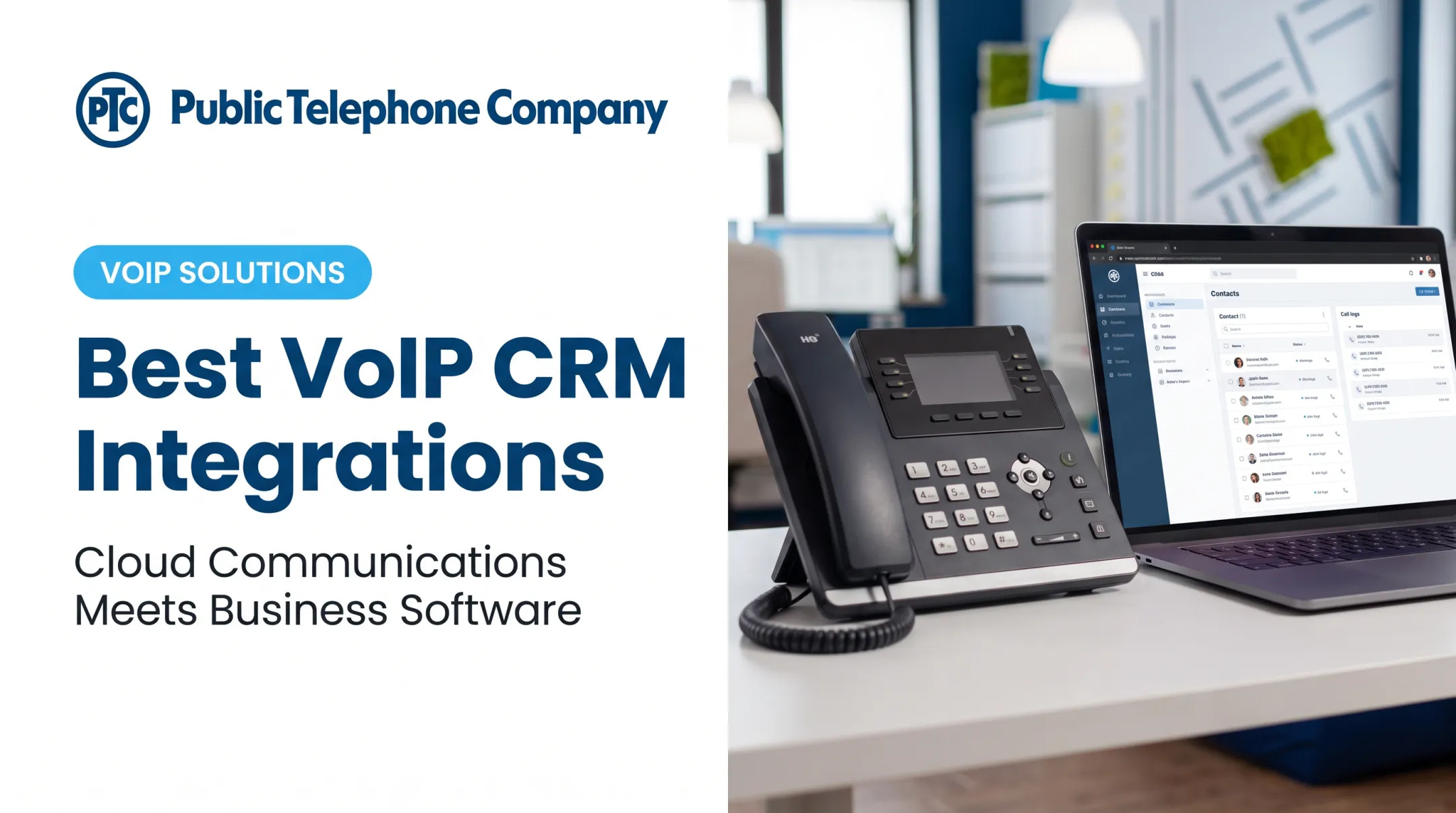
A CRM phone system fixes this by connecting customer data with business calling. Employees see call histories, manage tasks, and log conversations from one workflow instead of switching between apps.
Salesforce's 2026 State of Sales report found that 35% of Gen Z sales reps lose roughly two hours a week to manual data entry — time that automated call logging and CRM-linked telephony can claw back.
This guide compares five leading US-available options and explains how to choose between an all-in-one CRM with calling, a CRM-integrated VoIP system, and a contact-center platform.
Key Takeaways
- CRM phone systems connect calls to customer records via click-to-call, screen pops, auto-logging, recording, and follow-up automation.
- Native CRM dialers are convenient, but a dedicated cloud phone system usually wins on routing, PBX, and IVR depth.
- Judge options on integrations, compliance, scalability, and total cost—not brand recognition alone.
- For a scalable hosted phone system beside your CRM, Public Telephone Company delivers SIP trunking, PBX, and custom integrations.
Overview of CRM Phone Systems and Software in the US Market
A CRM phone system is either a CRM with built-in telephony, or a cloud phone platform connected to a CRM through native integration, CTI, a connector, or an API. Both paths aim for the same outcome: calls and customer data live in one place.
The typical workflow looks like this:
- A call comes in and the system identifies the contact.
- Relevant customer information displays automatically (screen pop).
- The system records and logs the interaction.
- Notes, tasks, tickets, or follow-ups launch based on the outcome.

CRM vs. VoIP vs. Contact Center Software
These terms get used interchangeably, but they are not the same thing:
- CRM software manages relationships: contacts, deals, and service tickets
- Telephony (VoIP, PBX) handles the calls: routing, numbers, queues, and voice infrastructure
- Contact-center platforms (CCaaS) add queue management, agent scripting, and advanced analytics for high-volume support
US businesses generally deploy one of three models:
- All-in-one cloud CRM with calling built directly into the platform
- CRM plus an integrated business phone system connected via CTI or API
- Enterprise contact-center stack layered on top of a CRM for high call volumes
Telecom Considerations for US Buyers
These regulatory and operational details apply no matter which vendor you choose:
- Number porting: The FCC lets businesses keep their number when switching providers in the same area; simple ports must finish within one business day. Keep old service active until the port completes.
- Emergency calling (Kari's Law and RAY BAUM'S Act): Multi-line phone systems must support direct 911 dialing and convey a dispatchable location.
- Call recording consent: Federal law generally requires one-party consent, but states like California, Florida, and Illinois require all-party consent. Interstate calls should follow the stricter rule.
- Robocall mitigation: Providers must implement STIR/SHAKEN caller ID authentication or file alternative mitigation steps with the FCC.
The five options below cover different starting points: CRM-first software, phone-first platforms, and one enterprise communications suite that integrates with either.
Best CRM Phone Systems and Software for US Businesses
We evaluated each option on CRM depth, native or supported telephony, integration quality, routing and IVR capability, reporting, scalability, usability, support, and security. Verify current pricing and feature availability directly with each vendor before purchasing: plans and calling minutes change frequently.
| Tool | Best For | Deployment Model | Notable Calling Features | Pricing Approach |
|---|---|---|---|---|
| HubSpot | SMBs wanting CRM + calling in one place | All-in-one CRM with native calling | Click-to-call, recording, plan-based minutes | Per-seat, tiered plans |
| Salesforce | Enterprise, complex sales/service ops | CRM + CTI/marketplace telephony | Screen pops, Open CTI, agent-assist | Per-user, edition-based |
| Zoho CRM | Growing SMBs, Zoho ecosystem users | CRM + Zoho Voice or compatible telephony | Click-to-call, call logging, recordings | Per-user, tiered plans |
| RingCentral | Phone-first teams needing PBX + CRM sync | Cloud UCaaS integrated with major CRMs | Auto-attendant, IVR, queues, screen pops | Per-user, tiered plans |
| Dialpad | AI-focused sales/support teams | AI communications platform with CRM integration | Transcription, sentiment, coaching | Per-user, tiered plans |
HubSpot CRM with Calling
HubSpot is a CRM-first pick for teams that want contact management, pipelines, and calling activity tied to one customer record. It fits small and midsize sales and service teams that value fast adoption over deep customization.
Calling is plan-limited. HubSpot's published catalog shows:
- Starter: 500 calling minutes, one HubSpot phone number
- Professional: 3,000 minutes, up to three numbers
- Enterprise: 12,000 minutes, up to five numbers
Calling supports outbound dialing, inbound browser or forwarding options, automatic logging, and recording. Receiving calls requires a HubSpot-provided number, and calling isn't available in every country. SMS runs as a separate add-on (around $75/month for a US 10DLC number with 1,000 segments), not part of the base calling allowance.
Watch for:
- Conversation intelligence and transcription require Sales or Service Professional/Enterprise
- Third-party recording is limited to a specific list of approved providers
- Free and Starter plans cap functionality significantly compared to Enterprise
HubSpot's Sales Hub starts free for up to two users, with Starter around $7-$20/seat/month, Professional around $90-$100/seat/month, and Enterprise at roughly $150/seat/month depending on billing terms.
Salesforce Service Cloud or Sales Cloud with Telephony Integration
Salesforce doesn't ship one universal phone package. Instead, calling comes through native tools like Open CTI, marketplace applications, or an integrated contact-center provider. This makes it a fit for complex sales, service, and multi-department operations that need custom objects, granular permissions, and heavy reporting.
Salesforce's Open CTI is a browser-based API for connecting third-party telephony to Salesforce Call Center, enabling softphone dialing directly inside the CRM. Open CTI is in maintenance mode and scheduled for retirement in February 2028, and Salesforce is steering new development toward Salesforce Voice instead.
Implementation typically requires:
- Administrator expertise to configure CTI connections
- Integration architecture planning (data governance, permissions)
- Budget for Premier Success support (about 30% of net license fees) or separate professional services
Salesforce's principal editions run from roughly $25/user/month (Starter) up to $175-$350/user/month for Enterprise and Unlimited tiers, with AI-enabled Agentforce editions priced higher. Which telephony features you get (recording storage, transcription, agent-assist) depends on which edition and which partner app you layer on top.
Zoho CRM with Zoho Voice or Compatible Telephony
Zoho targets small and midsize businesses looking for sales automation and phone integration without enterprise pricing. It suits growing sales teams, professional services firms, insurance offices, and companies already running other Zoho apps.
Zoho Voice integrates as a cloud PBX option within Zoho's telephony suite, supporting click-to-call, caller pop-ups, call logging, and recordings (availability varies by plan and region). Zoho Voice offers separate Enterprise Telephony and Business Phone plan tiers (Solo, Team, Office, Corporate), with free outgoing-minute allowances ranging from 250 to 5,000 minutes depending on the tier.
A few trade-offs to confirm before buying:
- Zoho's US-dollar pricing for CRM and Voice plans isn't consistently published; request a current quote
- Its "Truly Unlimited" calling offer only applies in specific countries, including the US, Canada, and parts of Europe
- Native vs. third-party telephony integrations can behave differently — test call quality before committing
Zoho CRM's free tier supports up to three users, with paid tiers scaling up from there.
RingCentral
RingCentral is a phone-first cloud communications platform that connects into major CRMs including Salesforce and HubSpot. It fits businesses that need real business phone infrastructure (auto-attendants, IVR, call queues, extensions, conferencing) alongside CRM activity logging, not just click-to-call.
RingCentral's Salesforce integration delivers automated call logging and screen pop/caller ID, though it's limited to RingCentral Advanced/Ultra customers paired with Salesforce Professional or higher. The platform advertises over 500 pre-built integrations across its App Gallery.
Core telephony strengths:
- Single- and multi-level IVR with submenus and dial-by-name directories
- Auto-attendant routing that transfers calls without human intervention
- A published 99.999% availability SLA and SOC 2/HIPAA compliance documentation

Number porting runs through the Admin Portal (Phone System > Phone Numbers > Number Port In). Pricing tiers (Core, Advanced, Ultra) exist, but published rates shift often, so get a current quote rather than relying on older snapshots. Some advanced contact-center features may sit outside the standard UCaaS plans.
Dialpad
Dialpad is an AI-oriented communications and contact-center platform built around live transcription, sentiment analysis, and coaching alongside standard calling. It suits sales and support teams that want conversation intelligence baked into the call itself, not bolted on afterward.
The Salesforce integration is free to install but requires a Dialpad Pro or Enterprise plan plus Salesforce Enterprise, Unlimited, or API access. It supports Sales Cloud and Service Cloud (Classic and Lightning), with click-to-call, power dialing, and automatic logging of calls, voicemails, recordings, and SMS.
Evaluate these before rolling it out:
- AI features analyze sentiment live during calls — confirm how transcripts and analysis data get stored and who can access them
- Recording and transcription collection is consent-based; check jurisdiction-specific prompts
- Dialpad's Trust Center lists SOC 2, ISO 27001, and HIPAA references, but confirm BAA terms directly if you handle protected health information
- A current, verified HubSpot integration listing wasn't confirmed at time of research, so check directly if HubSpot is your CRM
How We Chose the Best CRM Phone Systems
We measured how well each product connects customer information and telephony in real workflows, not how many features appear on a marketing page.
Native calling vs. third-party integration
We scored setup time, data sync reliability, screen-pop behavior, automatic activity logging, and whether users must switch apps mid-call.
Core telephony capabilities
Across every vendor we checked:
- Business numbers and number porting
- IVR, auto-attendant, and call queues
- Voicemail, extensions, transfers, and recording
- Mobile access and business continuity during outages
CRM and productivity functions
We also compared:
- Contact history and pipeline/ticket context visible during calls
- Click-to-call and follow-up automation
- Call dispositions, dashboards, and reporting
- Integrations with email, help desk, and collaboration tools
Total cost of ownership
Sticker price alone is misleading. We included licenses, calling charges, numbers, hardware, implementation, premium integrations, AI add-ons, recording storage, and contract length.

The right shortlist also depends on how you work:
- A small office replacing legacy landlines needs simplicity and reliable support more than advanced AI
- A law or insurance practice needs dependable call history and recording it can search later
- A healthcare front office needs careful recording consent controls
- A multi-location company needs PBX routing that actually spans sites, plus solid CRM integration
If you need a hosted VoIP, PBX, or UCaaS foundation to connect to an existing CRM—rather than a CRM itself—Public Telephone Company provides SIP trunking, wireless extension deployment, custom integrations, and 24/7 support. Systems scale from a handful of seats to more than 100,000 users.
Conclusion
There's no single best CRM phone system for every business. The right answer depends on whether you prioritize CRM depth, phone-system control, contact-center functionality, AI assistance, or simple deployment.
Before committing, test the full workflow with actual users:
- Receive a call
- Identify the customer
- Pull up history
- Transfer or route the call
- Log the outcome
- Trigger the next task
If any step feels clunky in a demo, it'll feel worse at scale.
If your business needs a scalable cloud-hosted phone system, SIP trunking, PBX, or CRM integration support, Public Telephone Company can walk through what fits your existing setup. There are no upfront equipment costs, and support is available 24/7.
Frequently Asked Questions
What is the best CRM for calling?
Match the tool to CRM depth, call volume, budget, and whether you need native calling or a phone platform on top of your CRM. Use those criteria against the five options in this guide before you buy.
What are the top 5 CRM systems?
This guide compares HubSpot, Salesforce, Zoho CRM, RingCentral, and Dialpad. They span CRM-first software (HubSpot, Salesforce, Zoho) and phone-first platforms with CRM integrations (RingCentral, Dialpad).
What are the three types of CRM?
The three main types are operational (process execution), analytical (data analysis), and collaborative (cross-team coordination). A CRM phone system supports all three by sharing call interactions, automating follow-up workflows, and generating communication reports.
What is a CRM phone system?
It's either a CRM with built-in telephony or a phone platform integrated with CRM records. Common features include click-to-call, screen pops showing caller history, automatic call logging, and follow-up automation.
What is the difference between CRM and IVR?
CRM manages customer data and workflows; IVR is the automated phone menu system that routes callers before they reach a person. Integrating the two lets IVR use customer context to route calls more accurately and prepare agents in advance.
What is telephony used for?
Business telephony covers voice calling, numbers and extensions, routing, voicemail, conferencing, and recording. Tied to a CRM, it adds customer history and workflow context to every call.